
The AI-First
Game Engine
Built on Bevy and Rust. Describe your game in natural language. Preview every change. Undo anything. Ship everywhere.
Player
Core Philosophy
AI That You Control
AI is a core editor subsystem — not a plugin. Every mutation is typed, validated, previewable, and fully reversible.
AI as a Core Subsystem
AI lives inside the editor as a first-class Bevy resource with full access to the scene graph, type registry, and project state.
Preview Before Apply
Every proposed change renders as a ghost overlay in the viewport and a structured diff in the AI Dock. Nothing touches your scene until you approve.
Full Undo at AI-Step Granularity
All AI mutations flow through typed Engine Operations executed via the command history. Undo an entire AI step with a single keystroke.
Possibilities
What You Can Build
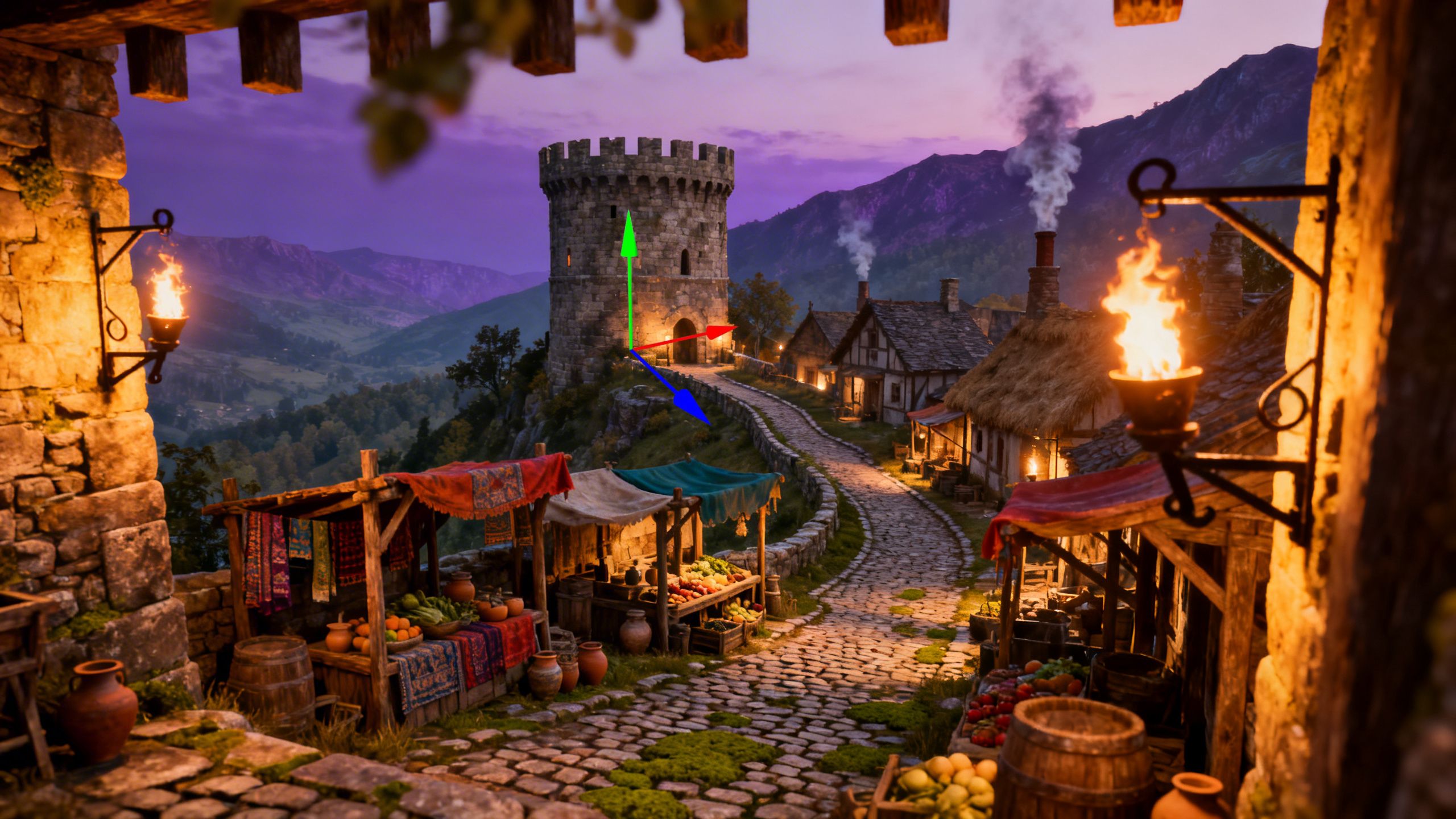
From lush open worlds to immersive VR — describe it, and Grai builds it.
Workflows
Three Modes. One Engine.
From full manual control to pure AI-driven creation — pick the workflow that matches your experience.
Editor Mode
Full docking system with hierarchy, inspector, asset browser, and document tabs. Every panel, every shortcut — built for experienced game developers who want total control.
- Complete panel system
- Custom layouts
- Keyboard-first workflow
Vibe Mode
AI Dock fills the left side, a wide viewport fills the right. No hierarchy, no inspector, no clutter. Just you and the AI building a game together through conversation.
- Simplified interface
- Conversational workflow
- Zero learning curve
Story Mode
A 4-step wizard that takes you from a text prompt to a playable scene: Planning → Concept Art → 3D Asset Generation → Scene Assembly.
- Step-by-step guidance
- Asset library
- Prompt to playable
Story Mode
From Idea to Playable in Four Steps
Story Mode is a guided wizard that turns a text prompt into a complete, playable scene — no game dev experience required.
Planning
Describe your game idea. The AI generates a structured plan with scenes, assets, and gameplay systems.
Concept Art
Generate or pick concept images for each asset from the built-in library. Approve, reject, or refine until it matches your vision.
3D Generation
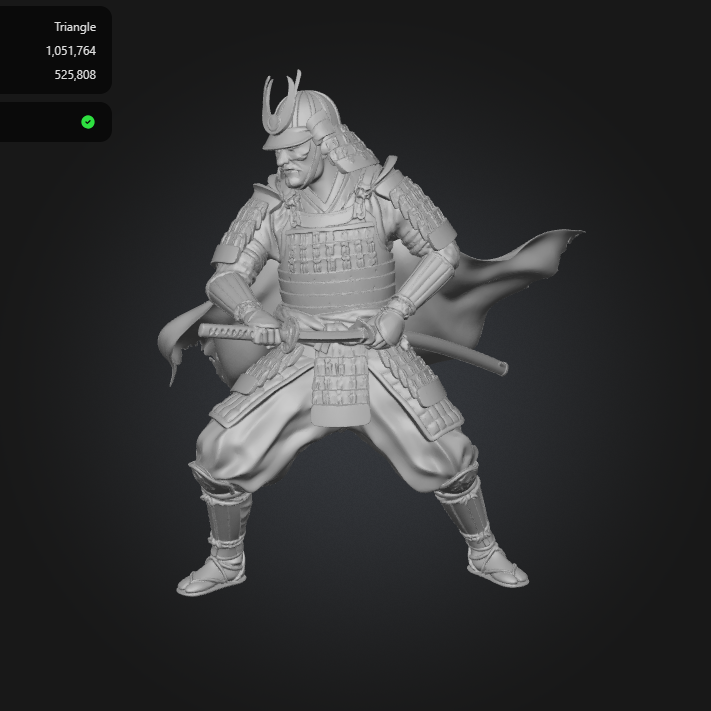
Approved concepts are converted to GLB models automatically. Auto-imported into the asset pipeline on approval.
Scene Assembly
Terrain, water, lighting, entity placement, and gameplay scaffolding — assembled and ready to play.
After assembly, continue in Vibe Mode, Editor Mode, or start another scene.
Asset Creation
Asset to 3D, Your Way
Turn your own artwork, sketches, or reference images into production-ready 3D models — all without leaving the editor. Don't have assets yet? Browse our built-in asset library packed with ready-to-use models, textures, and materials to kickstart your project.
Bring Your Own Assets
Import concept art, sketches, or photos. The pipeline converts your 2D references into textured 3D models ready for the scene.
Built-in Asset Library
Pick from a curated collection of models, materials, and textures. Drag, drop, and customize — no external tools needed.
Scene-Ready Output
Every asset is auto-imported as a GLB model into your project pipeline — optimized, UV-mapped, and ready to place in the world.

Engine Operations
Every AI Action is an Operation
AI never directly mutates the Bevy World. All changes flow through typed, validated EngineOps — executed via the undo/redo command system and recorded for audit and replay.
Atomic Execution
If any op fails mid-step, the entire group rolls back.
ECS Operations
Spawn, despawn, reparent, rename, transform, and batch-edit entities and components.
Terrain & Water
Generate islands, sculpt terrain, paint layers, create oceans with wave parameters and foam.
Render Operations
Cameras, lights, post-processing, sky, fog, and Solari toggles — all as typed ops.
Script & Blueprint
Create and edit Rhai scripts and blueprint graphs with parse validation and graph invariant checks.
Asset Operations
Import files, manage metadata and tags, bind asset handles to components, and browse the built-in asset library.
Story Operations
Story plans, concept art jobs, 3D generation requests, and full scene assembly pipelines.
Foundation
Built on Bevy & Rust
Grai Engine isn't a wrapper around an existing engine. It's built from the ground up on Bevy's ECS architecture and Rust's performance and safety guarantees.
Native Performance
Rust compiles to native code with zero-cost abstractions. No garbage collector, no runtime overhead.
ECS Architecture
Bevy's Entity Component System enables data-oriented design with cache-friendly memory layouts and parallel systems.
Memory Safety
Rust's ownership model eliminates entire classes of bugs — no null pointers, no data races, no use-after-free.
Rhai Scripting
Lightweight, sandboxed scripting language embedded in the engine. Safe by default, with parse-time validation.
Extensibility
Open & Extensible
AI-first doesn't mean AI-only. Grai gives you full control to extend, script, and customize every layer.
Rhai Scripting
Write game logic in a lightweight, sandboxed scripting language. Attach scripts to entities, iterate without recompiling.
Blueprint Graphs
Visual node-based logic for designers who prefer graphs over code. Full validation and type-safe connections.
Plugin System
Third-party plugins extend the engine through a dedicated host crate. AI is core — plugins are optional additions.
Ready to Build
the Future?
Grai Engine is in active development. Get early access, join the community, or back the project on our crowdfund page.